
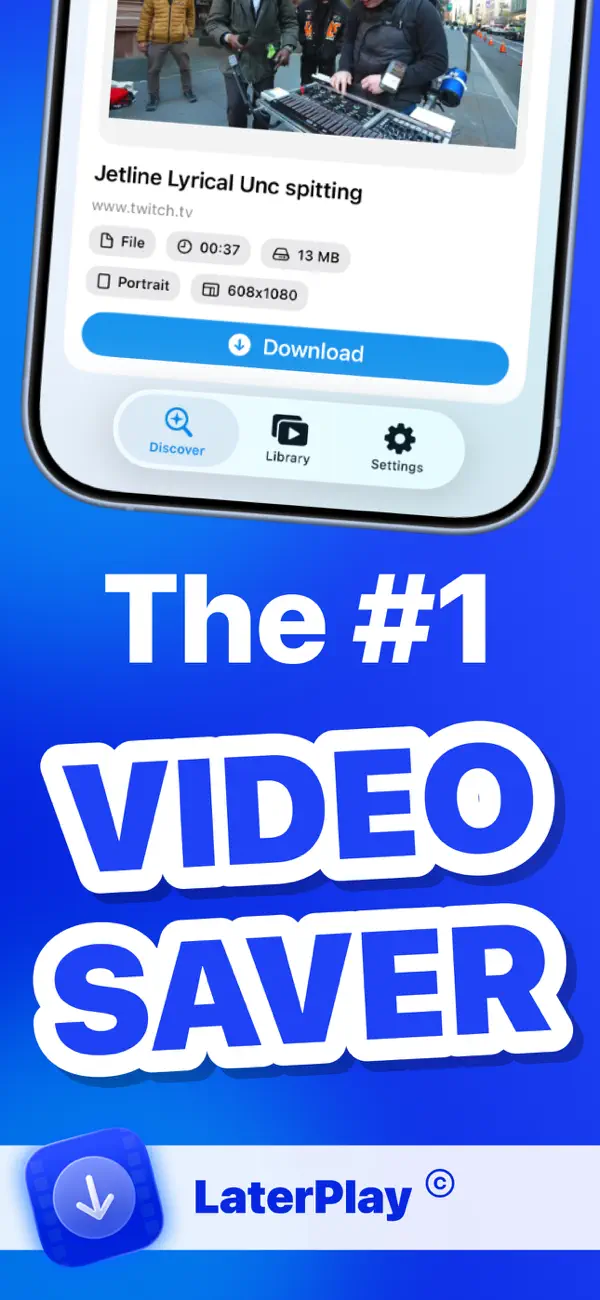
NEW ON THE APP STORE
How to download videos on iPhone and watch offline
LaterPlay helps you save videos from YouTube, TikTok, Instagram Reels, and Twitch for offline playback. Fast flow, clean interface, no subscription paywall.
- No subscription required
- Watch offline without internet
- Data stays on your device
Smart Web Scan
Automatically detects downloadable video files on supported pages.
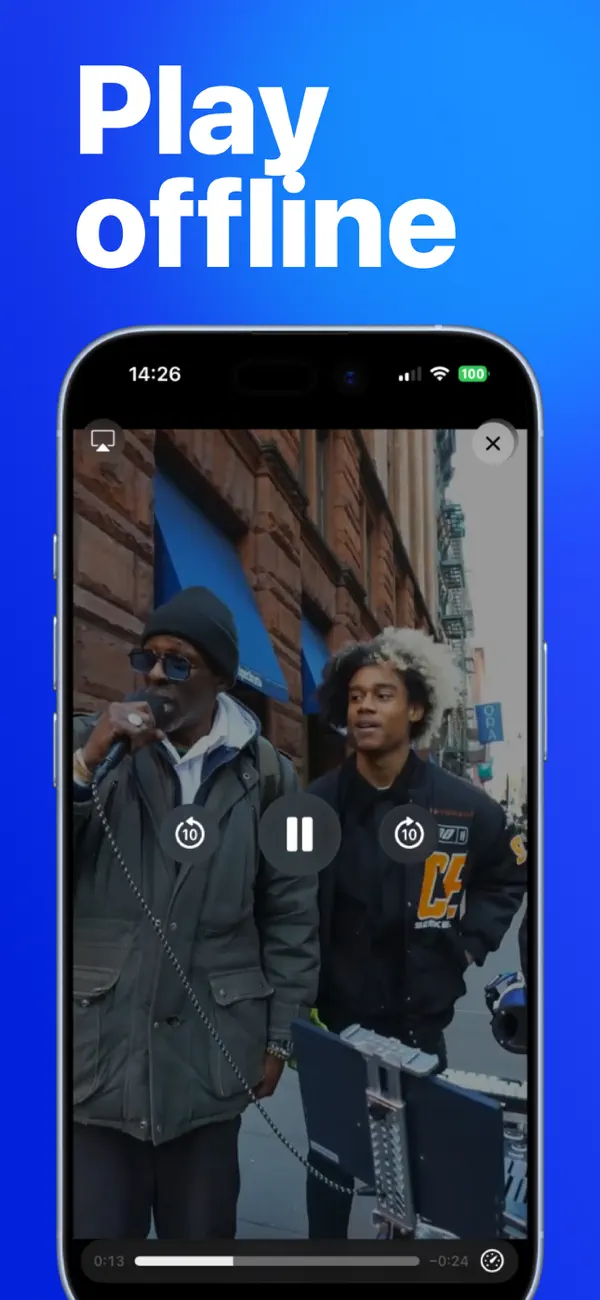
Built-In Offline Player
Play videos anytime with smooth local playback, even with no connection.
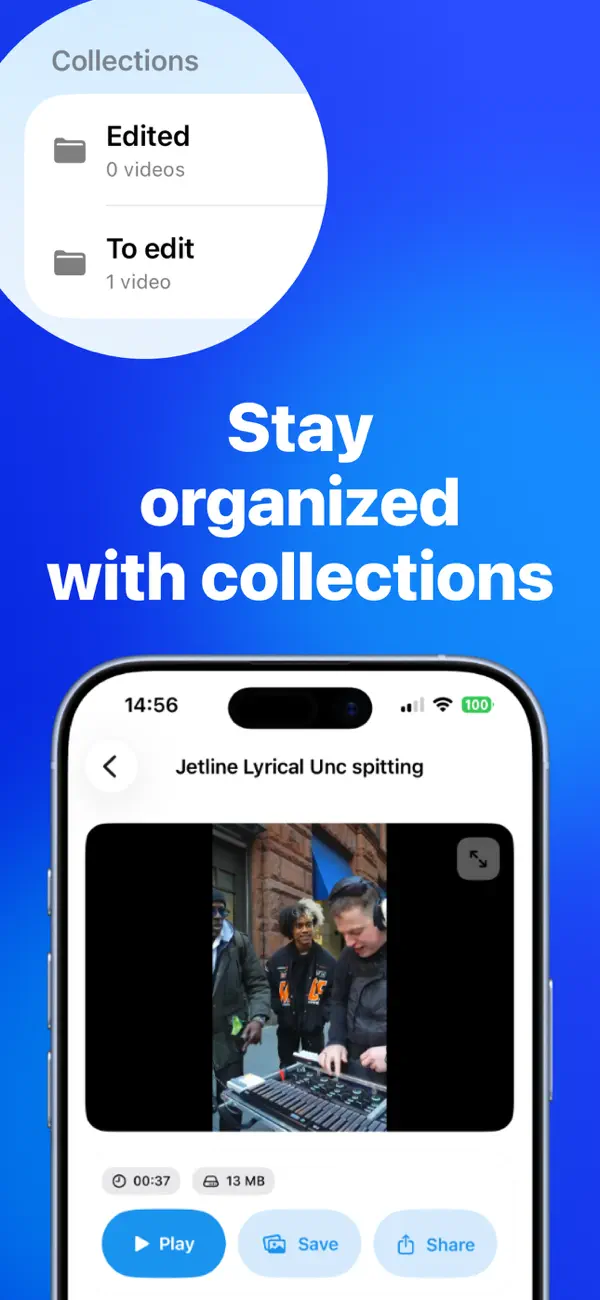
Collections
Organize your saved content into custom collections so nothing gets lost.
Cross-Platform Pipelines
Optimized flows for popular sources like YouTube, TikTok, Instagram, and Twitch.
FREE TOOLKIT
Use our free downloader helper tools
YouTube Thumbnail Downloader
Extract and download thumbnail assets in multiple resolutions.
YouTube Video Downloader Helper
Normalize YouTube links for faster save workflows.
YouTube Shorts Downloader Helper
Prepare Shorts URLs for download and archive pipelines.
Instagram Reels Downloader Helper
Clean Reel URLs for stable import and offline workflows.
TikTok Video Downloader Helper
Generate clean canonical TikTok links for processing.
Twitch Clip Downloader Helper
Normalize clip URLs before saving or organizing offline.
IN APP
What LaterPlay looks like

FAQ
How to download videos from major platforms on iPhone
How to download videos from YouTube on iPhone?
Open LaterPlay, paste a YouTube URL in the in-app browser, run Smart Web Scan, and save the available file for offline playback. Download only content you own or have permission to save.
How to download TikTok videos on iPhone?
Copy the TikTok video link, open it in LaterPlay, and save the detected media stream to your device. File options can vary by source permissions and platform restrictions.
How to save Instagram Reels for offline viewing?
Open the Reel URL in LaterPlay, let the app detect downloadable assets, then save the available version to your offline library for playback anytime.
How to download Twitch clips and watch offline?
Paste the Twitch clip link into LaterPlay, run scan, and save the supported clip file. You can then play it locally in the built-in offline player.
What is the easiest way to watch saved videos offline on iPhone?
Use LaterPlay collections to organize saved videos and play everything through one app. This keeps your offline content easy to find and ready without internet.
Is LaterPlay free to use?
Yes. LaterPlay is free on the App Store and does not require a recurring subscription for core save-and-watch features.
Download once. Watch anytime.
Free to use, private by design, and built for fast offline access.
Get LaterPlay on the App Store